Pausa app icon

Pausa

Break reminders that stay out of your way during meetings —
and take over the whole screen when it’s time to rest.

Latest release Platform: macOS License: MIT GitHub stars
Download .zip
$ brew install --cask yuseferi/pausa/pausa

Free & open source · Apple silicon & Intel · no account, no telemetry

Why Pausa

Most break reminders fire at the wrong moment and are easy to ignore. Pausa fixes both.

It knows when you’re busy

In a call, playing media, or on a muted video tab? The countdown pauses automatically and resumes when you’re free — meeting time never counts toward your next break.

Impossible to miss

A native fullscreen panel covers fullscreen Spaces and every monitor, then returns focus to exactly where you were. No fragile “always on top” windows.

Respects your hours

Breaks only fire on the days and times you choose, and real away-from-keyboard time counts as a natural break so you aren’t nagged after a walk.

Private by default

No account, no telemetry, and no automatic network calls — the only request is the update check you trigger. Busy detection runs locally on your Mac. Read more.

Features

Smart busy detection

Microphone, Now Playing (media playback), and frontmost browser video/meeting pages — including muted YouTube and Google Meet.

Fullscreen overlays

Native NSPanel breaks above fullscreen apps, on all monitors or just the active one, fullscreen or compact.

Working hours

Pick the days and times breaks may fire. Outside them, Pausa stays quiet.

Natural breaks

Time away from the keyboard is credited, so stepping out doesn’t leave you “behind schedule”.

Wellness tips & breathing

Eye, stretch, movement and breathing prompts, with a guided breathing exercise on long breaks.

Menu-bar native

A small, responsive status item with a live countdown. Stays out of your Dock and out of your way.
Screenshots

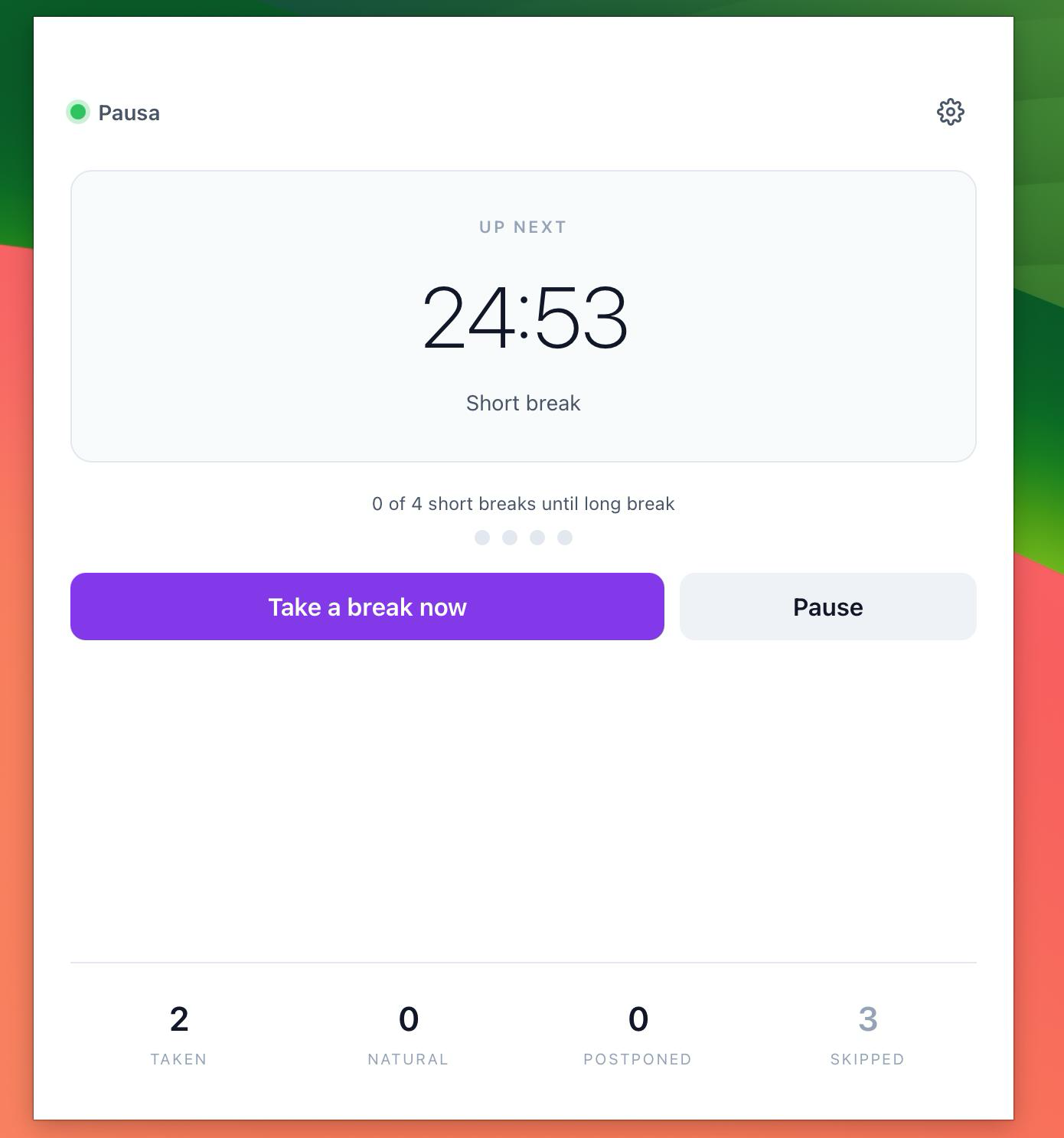
Pausa dashboard with next-break countdown and stats
Dashboard
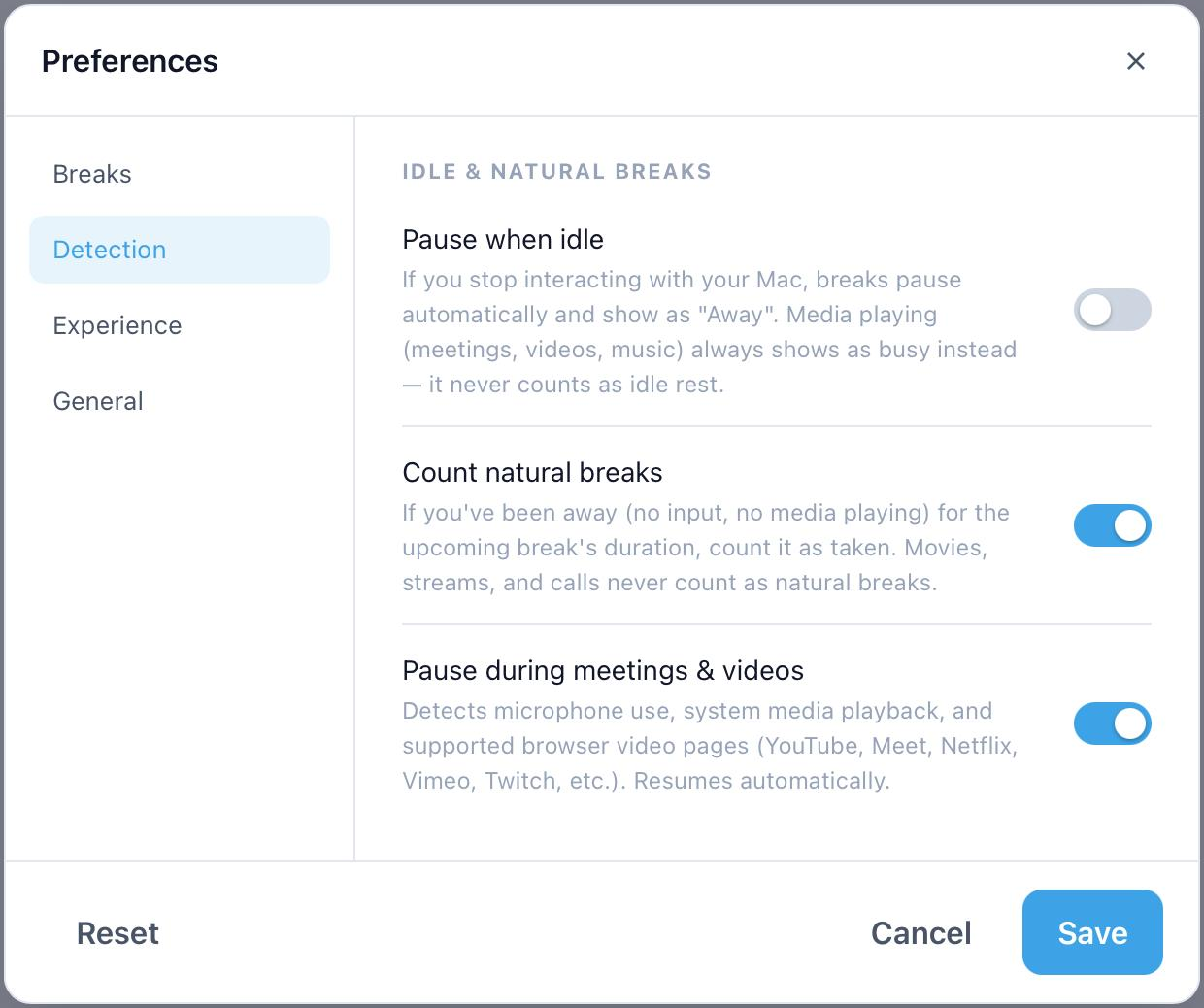
Pausa preferences — Detection: idle, natural breaks, and meeting/video detection
Preferences
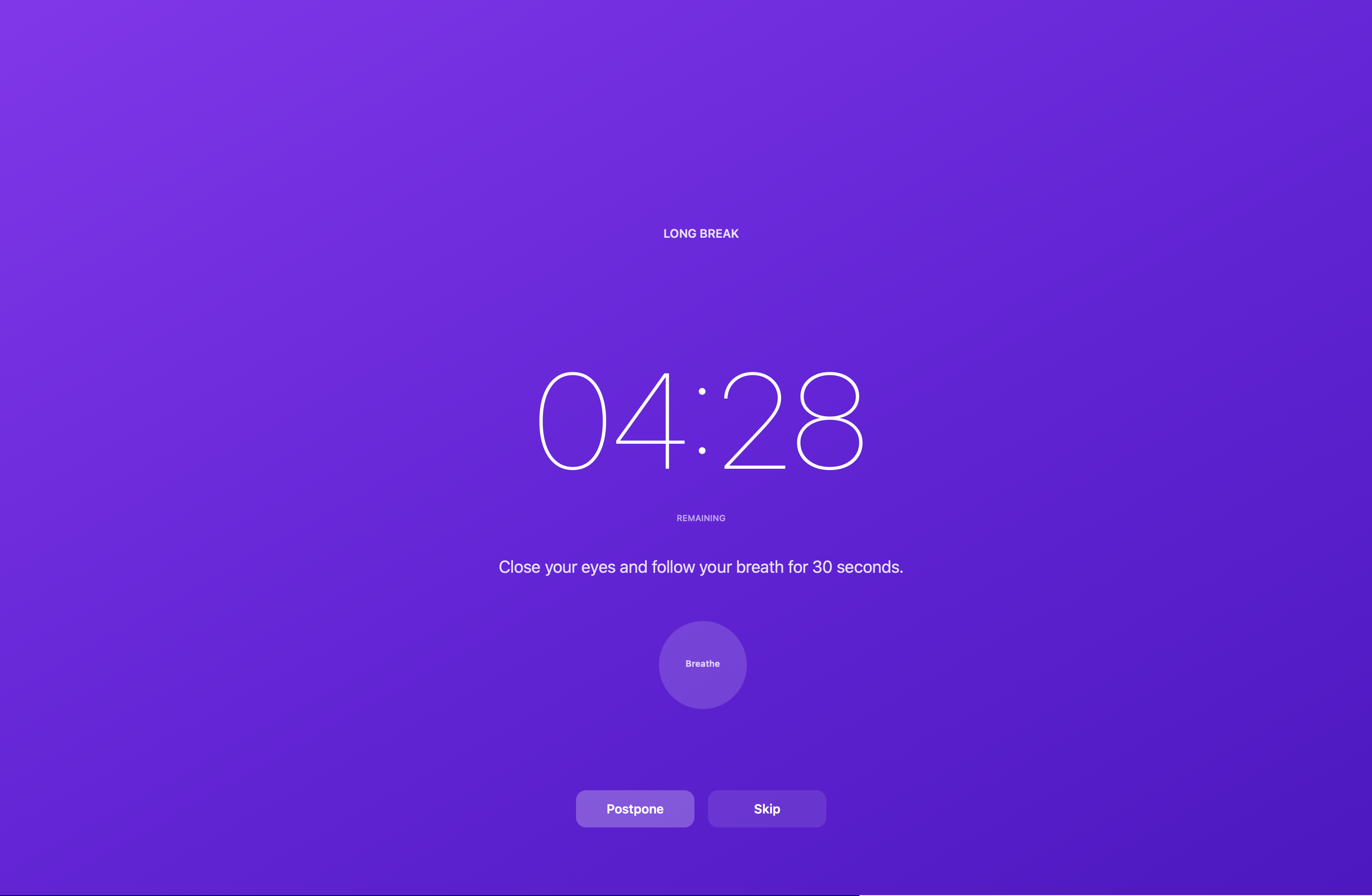
Pausa fullscreen break overlay
Break overlay

Privacy

  • No account and no sign-in.
  • No analytics or telemetry.
  • No automatic network requests — configuration and logs stay on disk. The only network call is the optional "Check for updates" action, run once and only when you click it.
  • Local busy detection — it checks whether the microphone is in use (not the audio itself), system media state, and only the frontmost browser’s active tab URL. None of it leaves your machine.

FAQ

Does Pausa need Accessibility or Screen Recording permission?

No. It uses public system APIs plus a short, read-only AppleScript lookup for the frontmost browser’s active tab URL. It never records your screen or keystrokes.

Does it collect any data?

No. There is no telemetry. Pausa makes no automatic network requests; the only one is the update check you trigger.

Will it interrupt me during a call?

No. Microphone use auto-pauses the schedule, and the countdown resumes when the call ends.

Why does macOS warn me on first launch?

Pausa isn’t notarized yet, so macOS blocks the first launch. Run xattr -dr com.apple.quarantine /Applications/pausa.app, or right-click the app in Finder → Open. Notarization needs a paid Apple Developer account and is on the roadmap.

Does it work with fullscreen apps?

Yes. Break overlays are native panels rendered above fullscreen Spaces, and can cover every monitor.

Install

Homebrew is recommended. Prefer a direct download? Grab the latest release.

brew install --cask yuseferi/pausa/pausa

Pausa isn’t notarized yet, so macOS blocks the first launch. Run this once after installing (or right-click the app in Finder → Open):

xattr -dr com.apple.quarantine /Applications/pausa.app

Download the latest .zip View source on GitHub